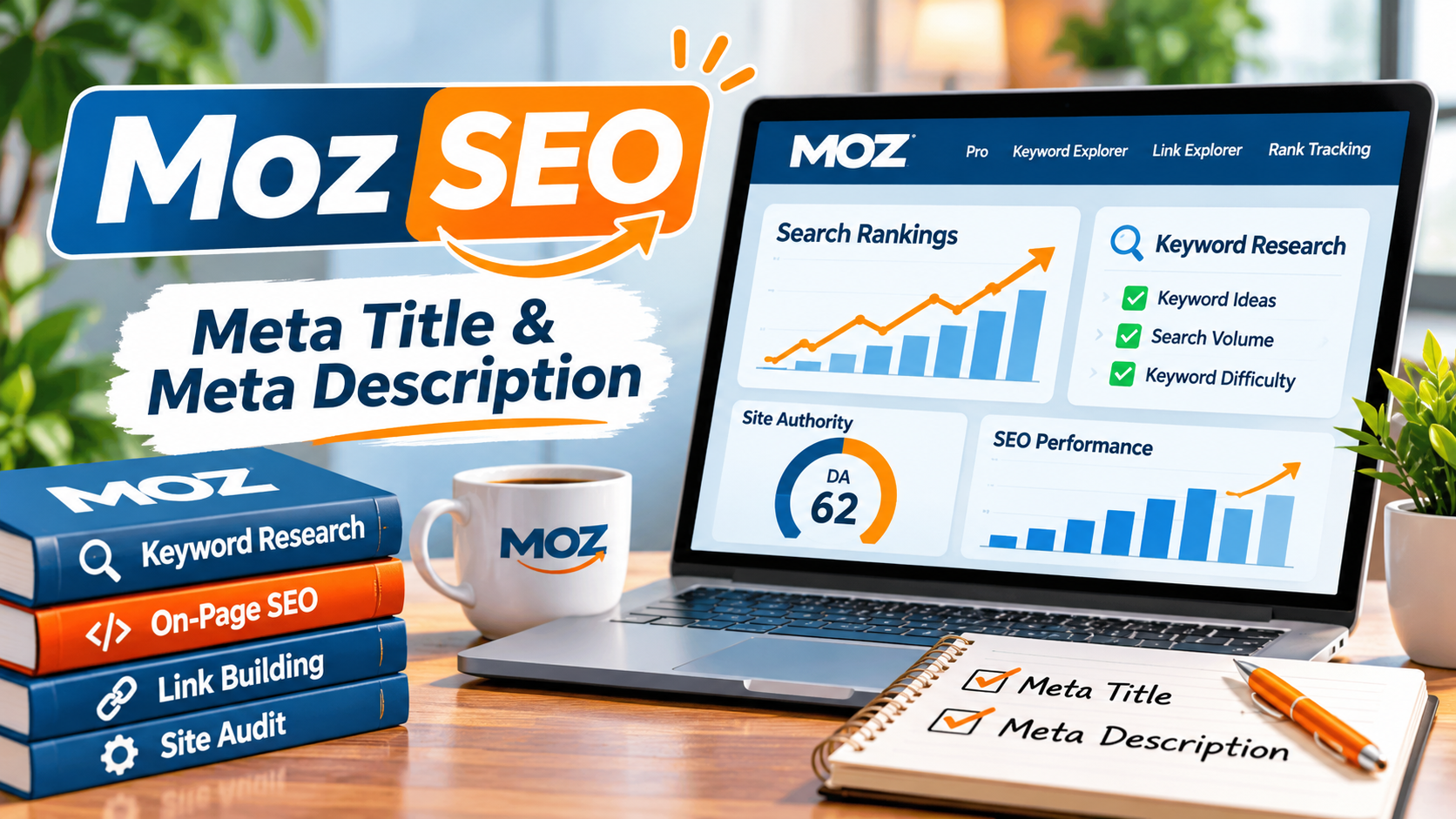
Moz SEO offers both free and paid tools for website owners to find relevant keywords for their site, examine the backlink profile of their site, find out what issues may exist with the technical side of their site, and track where they rank in the search results. These tools can help bloggers, small business owners, freelance writers/marketers, and marketing agency professionals make informed decisions about how to optimize their sites.
Moz Pro has many more capabilities than just simple search engine optimization tools. Free SEO tools provide an introductory way to use these types of services. Moz Local is designed for businesses who want to control how they appear online locally.
Although Moz provides opportunities to help you improve your Google ranking, the success of this depends on the way you use Moz’s data.
What Is Moz SEO and How Does It Work?
Moz is an SEO software program that provides users with insights into how well-positioned they are on the internet through analysis of website metrics, search engine results pages (SERPs), and backlink profiles.
The Moz platform has three primary ways to help you with your SEO needs: free research tools, Moz Pro (which is used for managing all aspects of SEO), and Moz Local (which can assist you in managing your business listings).
Its reports allow you to know why competitors may be outperforming you, as well as where your website can improve. While Moz provides its own estimates of the search engine optimization process, it does not give direct access to Google’s ranking algorithm.
7 Best Moz SEO Tools and Their Uses
Every single tool can serve an entirely different purpose, ranging from finding out what keywords are being used by your competition, to keeping track of how well your site is doing.
Keyword Explorer and Link Explorer
The Keyword Explorer tool provides assistance in finding appropriate keywords for your content creation efforts, as well as providing estimates on search volume and evaluating potential competition. The Link Explorer tool will allow you to analyze the backlink profile of your website, as well as the referring domains that point to your site, and also compare the link profiles of your competitors.
Site Crawl, Rank Tracking and Other Moz Tools
Site Crawl is used to identify technical problems, whereas Rank Tracking tracks where you are ranked for specific keywords. Additional tools exist to provide you with insights about your website, allow you to conduct research through your web browser, and help you manage your local business listings.
| Moz tool | Primary purpose |
| Keyword Explorer | Find relevant keywords |
| Link Explorer | Analyze backlinks |
| Site Crawl | Detect technical SEO issues |
| Rank Tracking | Monitor keyword rankings |
| MozBar | View SEO metrics while browsing |
| Domain Analysis | Evaluate domain-level metrics |
| Moz Local | Manage local business listings |
Explore the available free SEO tools before committing to a subscription.
How to Use Moz for SEO in 5 Easy Steps
Follow the 5 step process to improve your website using research.
Step 1 – Find Relevant Keywords
To begin, use Keyword Explorer to search for a keyword relevant to the area of interest (niche) you are focusing on. Then, if appropriate, choose the U.S. as your target audience.
The first step is to evaluate how much people are looking for a term (search volume), how hard it will be to rank on top for that term (keyword difficulty), and what other terms are associated with it (related suggestions). When choosing which terms to target, select those that align with the interests/needs of your potential customers, as opposed to solely selecting terms based upon their popularity.
Step 2 – Analyze Your SEO Competitors
Examine the sites that are currently ranked high on the first page of search results for your chosen keywords. Examine each site’s content, ranking keywords, and backlink profile.
Search for unresponded questions, old data and ways to offer better examples.
Step 3 – Perform a Website SEO Audit
Identify technical issues on your site using Site Crawl. Check for broken links, redirect issues, and duplicate title tags.
Prioritize fixing problems and errors that are negatively impacting your most critical pages over addressing less significant issues.
Step 4 – Research Backlink Opportunities
Enter the name of a competitor’s website (or domain) into the Link Explorer tool to find possible backlink sources.
Before pursuing a backlink, consider:
- Website relevance and content quality.
- Editorial standards and link placement.
- Anchor text and link attributes.
- Domain Authority and Spam Score.
Avoid choosing websites based on authority scores alone.
Step 5 – Monitor Rankings and Organic Performance
Use a rank tracking program to monitor the performance of your target keywords on an ongoing basis. You should also utilize Google Search Console to track the number of times your site appeared in organic results, how many people clicked on your listing(s), and what percent of people who saw your listing(s) clicked on them.
Moz Free Tools vs Moz Pro: Features and Pricing
Free tools will suffice for periodic research, whereas Moz Pro provides more comprehensive features to continuously optimize your website.
What Can You Do With Moz for Free?
Free Access includes a restricted number of keyword searches, backlink checks, domain analyses, and the base capabilities of MozBar. This is an ideal option for novices on a tight budget.
When Should You Upgrade to Moz Pro?
When you require ongoing website audits, increased research limits, continuous keyword tracking and/or consistent reporting for your clients, consider moving up to a higher level.
Reported US monthly subscription prices as of November 2026 are:
| Moz Pro plan | Monthly price |
| Starter | $49 |
| Standard | $99 |
| Medium | $179 |
| Large | $299 |
Annual discounted rates apply to qualifying plans. Please see the official Moz website for up-to-date pricing, trial options, and account usage restrictions. To use Moz Local, you will need to purchase an additional subscription.
Understanding Moz Metrics and Avoiding Common Mistakes
Using SEO metrics allows you to make data-driven choices rather than trying to get the highest possible score.
| Metric | What it measures |
| Domain Authority (DA) | Predicted domain ranking strength |
| Page Authority (PA) | Predicted page ranking strength |
| Spam Score | Similarity to sites associated with Google penalties |
| Keyword Difficulty | Estimated ranking competition |
| Search Volume | Estimated monthly search demand |
| Organic CTR | Estimated organic click opportunity |
The Moz Help Hub states that Domain Authority is an exclusive metric and not a ranking signal for Google. In addition, having a high Spam Score does not necessarily imply your site is spammy.
Do not use estimated search volume to assume how much traffic your site will receive, and do not assume that a higher authority score will automatically result in higher rankings.
How to Turn Moz Data Into Real SEO Improvements
The purpose of collecting SEO data is to help you make decisions about how to improve your website’s performance. First, identify potential areas for improvement based upon what will best meet your business objectives and the amount of effort/resources you have at hand.
Prioritize Keywords and Website Issues
If you had just started your own fitness blog, the keyword research that you did would probably result in:
| Keyword | Monthly searches | Difficulty |
| Fitness tips | 12,000 | 75 |
| Home workout tips | 2,400 | 38 |
| Home workouts for beginners | 900 | 22 |
These figures are hypothetical examples.
The third keyword might be a better fit for a new site, since it is targeted toward a narrow group of users and is expected to have less competition than other keywords.
Technical audit is also a similar type of thinking. Fix the major problems that are affecting your most important pages, and then go back and work on fixing some of those smaller formatting issues.
Combine Moz With Google Search Console
Using Moz to identify areas of potential opportunity, and using Google Search Console to monitor the actual success of your search marketing campaign.
For example, when a page gets a lot of views, however, there are not many clicks, then you will want to examine the page’s search query results, the title of the page, and how relevant the content is to the search query.
Follow this simple 30-day action plan:
| Week | SEO activity |
| Week 1 | Audit your website and competitors |
| Week 2 | Research keywords and plan content |
| Week 3 | Fix technical issues and update pages |
| Week 4 | Research backlinks and review performance |
Compare results from the same time period. Remember that rankings changes will likely require more than 30 days to produce a significant increase in rankings.
Moz vs Semrush vs Ahrefs: Which Is Better?
The best SEO software depends on your budget, experience, and marketing goals.
| SEO platform | Best suited for |
| Moz | Core SEO research and website monitoring |
| Semrush | Digital marketing and competitor research |
| Ahrefs | Backlink and organic search analysis |
| Google Search Console | Google Search performance monitoring |
Moz is a good option if you want to focus on basic SEO principles. If you’re looking for more general marketing tools then Semrush may be the best fit. If you’re interested in the most comprehensive backlink research tool available today, then Ahrefs will likely be your top pick.
But, the fact is that each of these other companies has limited amounts of information. Therefore, combining their findings with those from Google will help make the basis of your decisions stronger and more complete.
Is Moz Worth Using for SEO?
If you’re looking for useful tools to perform keyword research, analyze backlinks, and optimize your site, then Moz SEO is a good option. New users will find value in the free version, but larger companies can take advantage of the paid plans.
To begin with, you should analyze your site, find five key words that are applicable, and fix key technical problems. You need to focus on what will help your visitors, and how well your site performs in search engines instead of trying to get high authority scores.
Frequently Asked Questions
Can I use Moz without paying for a subscription?
Yes. Moz provides limited access to keyword research, backlink analysis, domain research, and basic browser extension features without a paid subscription.
Is Moz suitable for SEO beginners?
Yes. Its research tools help beginners understand keyword competition, website authority, backlinks, and technical optimization without requiring extensive SEO knowledge.
How often should I run a Moz website audit?
Monthly audits may suit smaller websites. Active websites can benefit from weekly audits and additional checks after major technical changes.
Does increasing Domain Authority improve Google rankings?
Not directly. Domain Authority is a prediction metric developed by Moz. Google uses its own ranking systems to evaluate websites and content.
Can Moz help improve local business visibility?
Yes. Moz Local helps businesses manage online listings and maintain consistent business information across supported platforms, although it cannot guarantee higher local rankings.
Leave a Reply